
Part of our guideCCTV Systems →
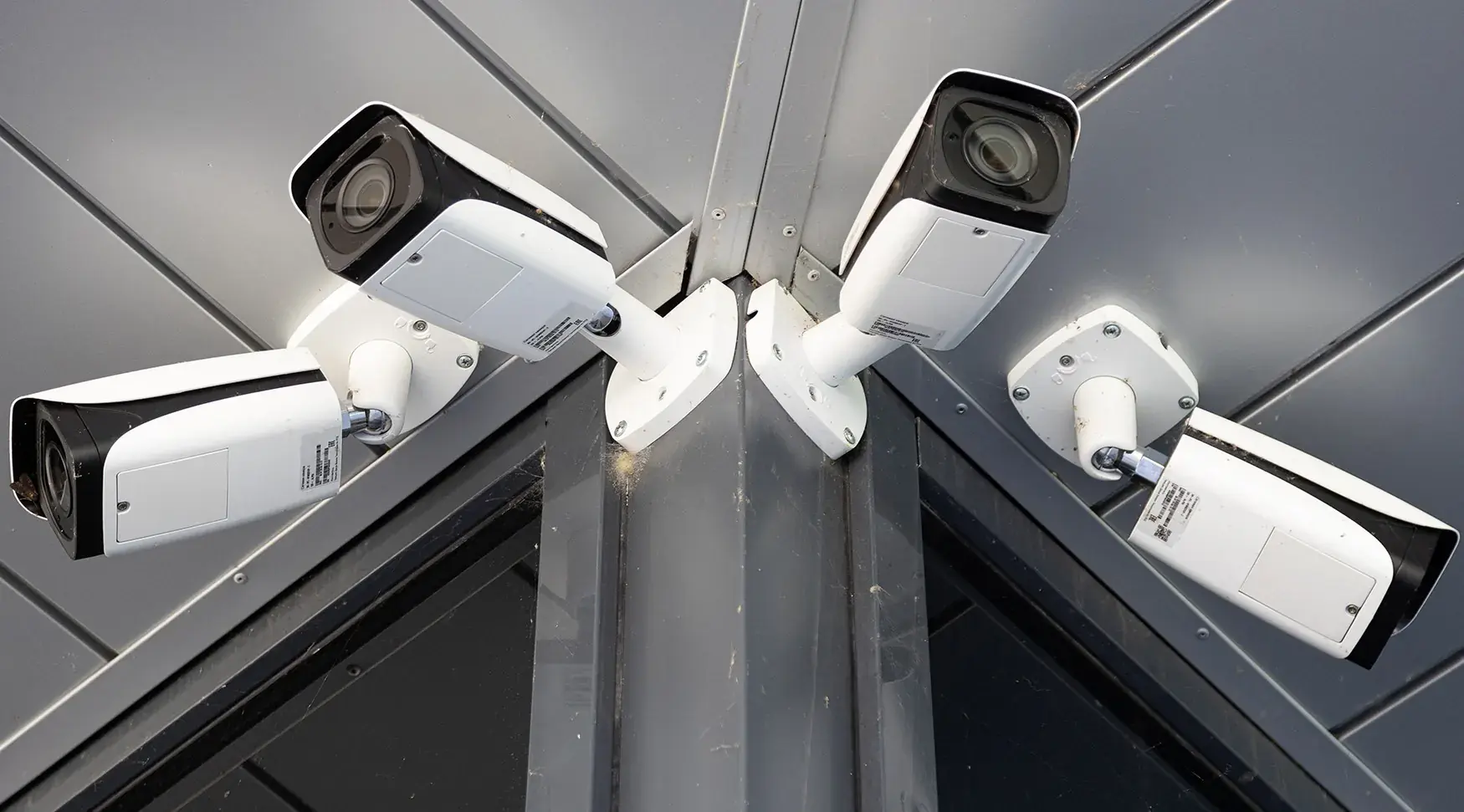
A camera system for business is specified by the risks on the site, not by a camera count: list the entrances, perimeter, cash or stock points and work areas that must be seen, decide whether you need to detect, recognise or identify at each one, then choose cameras, recording and monitoring to match. On our 2027 price guide, a small commercial site with 4 to 8 IP cameras costs R25,000 to R60,000 installed.
This guide is for facilities, operations and procurement managers specifying CCTV for business at an office, shop, warehouse or factory. It gives you a specification you can send to several installers, so the quotes you get back can be compared like for like.
Key takeaways
- Start with a risk list per zone (entrances, perimeter, tills or stock, work areas), not a number of cameras.
- Our 2027 price bands run from R25,000 – R60,000 for 4–8 cameras to R150,000 – R350,000 for 16–32 cameras on a large site.
Want a system designed around your site?
We design every system around your premises, risks and operations, starting with a free on-site assessment.
Request a Free Site AssessmentCall 0861 002 288What should a business camera system include?
A business camera system includes five parts: cameras chosen for each zone, cabling and a network to carry the video, a recorder (NVR) or cloud storage, power backup, and a way to act on what the cameras see, either on-site staff or a monitoring control room. An NVR (network video recorder) is the box that records and stores the footage from IP cameras.
| Part | What to specify |
|---|---|
| Cameras | Type per zone (fixed, PTZ, LPR, thermal), resolution, and whether each must detect, recognise or identify |
| Cabling and network | Cat6 or fibre, PoE switches, a separate network or VLAN for cameras |
| Recording | NVR channels and storage for your retention period, or cloud recording |
| Power | UPS or inverter so recording continues during load-shedding |
| Response | Who watches the cameras and what happens when something is seen |
| Maintenance | Preventive visits, repair times and who owns the system |
How many security cameras does a business need?
The number of security cameras a business needs comes from its zones. Count every entrance and exit, each stretch of perimeter, each till, stock room or high-value area, and the yard, loading bay or car park, then add a camera wherever you need to identify a face or a number plate rather than just see movement.
| Site type | Zones that usually need cover | Cameras that usually matter most |
|---|---|---|
| Office | Reception, entrances, parking, server room, corridors | Fixed cameras at doors; identification at reception |
| Shop | Tills, entrance, aisles, stockroom, back door | Till cameras linked to POS; entrance identification |
| Warehouse | Gates, loading bays, yard, racking, high-value cages | LPR at gates; PTZ and fixed cameras in the yard |
| Factory | Perimeter, gates, production lines, stores, dispatch | Perimeter thermal or AI; PPE and safety analytics on lines |
IP vs analogue CCTV: which is better for business?
IP cameras are the better choice for most new business systems. They give higher resolution, run power and video over one network cable (PoE), and support AI video analytics, LPR and remote viewing. HD analogue cameras still make sense when you are reusing coaxial cable on a small site with simple needs.
| IP cameras | HD analogue cameras | |
|---|---|---|
| Resolution | 4MP and higher is standard | Lower in practice |
| Cabling | One network cable for power and video (PoE) | Coaxial cable plus separate power |
| Analytics and LPR | Supported | Limited |
| Multi-site and remote viewing | Built in | Possible, more limited |
| Best for | New installations and upgrades | Reusing existing coax on small sites |
For costs and upgrade options, see our guide to IP cameras for business; for camera types, see what CCTV is and how systems differ and our guide to AI CCTV.
How long should business CCTV footage be kept?
Business CCTV footage should be kept for as long as you need it for its purpose, and no longer: POPIA does not set a fixed number of days, but it requires a stated purpose and a retention period you can justify. Many businesses keep 30 days, longer where incidents are reported late, and size their storage to match. Whatever you choose, put it in writing with signage and controlled access to the recorder. See the Information Regulator for its guidance.
Storage is the line item most often left vague in quotes. Ask each installer to state the retention period, resolution and frame rate their storage is sized for, and whether footage is kept on site, in the cloud or both. See CCTV cloud recording and storage.
What does a camera system for business cost in South Africa?
Our 2027 price guide gives these indicative installed prices for commercial and industrial sites:
| Site size | Cameras | 2027 guide price | Usually includes |
|---|---|---|---|
| Small commercial site | 4–8 IP cameras | R25,000 – R60,000 | 4MP IP cameras, NVR, storage, Cat6 cabling, remote viewing |
| Medium commercial site | 8–16 IP cameras | R60,000 – R150,000 | Higher-spec cameras, 16-channel NVR, PoE network, basic analytics |
| Large commercial or industrial | 16–32 cameras | R150,000 – R350,000 | AI analytics, perimeter cover, POS or weighbridge integration |
| Enterprise or multi-site | 32+ cameras | R350,000+ | AI, LPR, thermal options, fibre backbones, control-room integration |
24/7 offsite monitoring adds R950 to R3,500 a month per site, and a maintenance agreement starts from R500 a month. See the full CCTV installation price guide and our CCTV for business pricing guide.
Should business cameras be monitored?
Yes, if the cameras are meant to prevent incidents rather than only record them. A recorded camera helps after the event; a monitored camera lets someone act while it happens. 24/7 CCTV monitoring connects the cameras to a control room that verifies alerts and calls the right response.
What should you check before you sign a business CCTV quote?
- Zone list: does the quote show which camera covers which zone, and whether it detects, recognises or identifies?
- Resolution and lenses: are camera specifications stated, not just "HD"?
- Storage: what retention period, resolution and frame rate is the recorder sized for?
- Network: is the camera network separated from the business network and protected? See network security in surveillance.
- Power: is UPS or inverter backup included for recording and network equipment?
- Monitoring and response: who watches the cameras, and what happens on an alert?
- Maintenance: are preventive visits and repair times written down?
- Credentials: is the installer PSIRA registered? CCTVSA is PSIRA 960468 and 4412150 and SAIDSA Grade A (ASP-1571). See how to choose a security integrator.
What does the research say?
A 40-year meta-analysis of CCTV found about 16% lower odds of property crime and of vehicle crime. (Piza et al. (2019), via CrimeSolutions)
The same review found that actively monitored CCTV was associated with significant crime reductions, while systems that only record showed no significant effect. (Piza et al. (2019), Criminology & Public Policy)
ONVIF publishes open profiles so IP security products from different manufacturers work together: Profile T covers advanced video streaming such as H.265, motion and tampering events, and Profile G covers recording and retrieving video, including on the camera itself. Specifying ONVIF-conformant cameras and recorders keeps a business system from being locked to one brand. (ONVIF profiles)
The Bottom Line
A business camera system works when it is specified zone by zone, recorded for a stated period, kept powered and watched by someone who will act. Send every installer the same specification and the right quote becomes easy to spot.
To have your site specified, request a quote or call 0861 002 288. We design business CCTV in Johannesburg from our Gauteng branch, business CCTV in Durban from KwaZulu-Natal, business CCTV in Cape Town from the Western Cape, and the Eastern Cape.
Ready to put this to work on your site?
Book a free site assessment. We'll look at your premises, recommend the right system for each area and show you where it will make the biggest difference, with no obligation.
Request a Free Site AssessmentSpeak to a Security Specialist